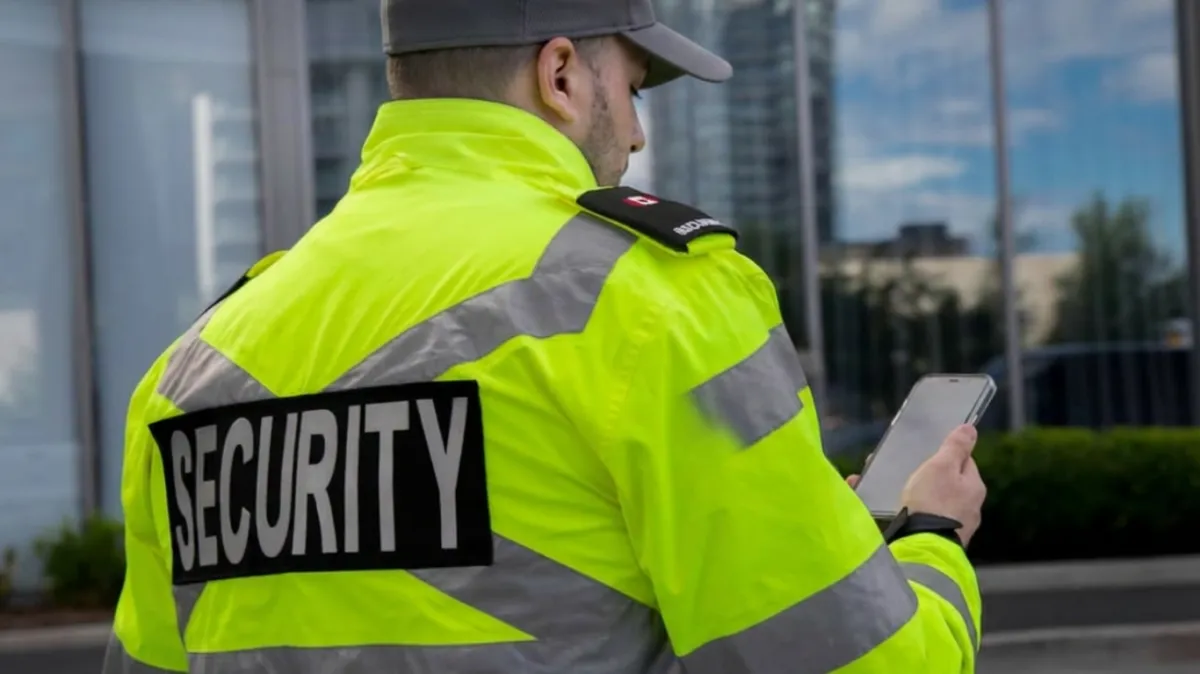
Why Your Guards Won't Use the App — And What to Do About It
You've invested in scheduling software. The demo looked great. The client portal is clean, the rota management is solid, and your operations team adapted quickly. But three months in, half your officers still aren't using the app and the ones who are use it inconsistently. Shift confirmations are still coming through WhatsApp. You're still getting calls from guards who say they can't log in, can't remember their password, or whose phone "doesn't support it."
This is one of the most common and least discussed problems in manned guarding operations. The technology works. The officers don't use it. And without frontline adoption, your investment in scheduling software delivers a fraction of its potential value.
Understanding why this happens and what actually solves it is essential for any operations director looking to modernise their workforce coordination.
The Profile of a Typical Security Officer
To understand the adoption problem, you need to understand who your officers are. UK manned guarding employs an enormously diverse workforce. Many officers are working part-time, supplementing income from other jobs. A significant proportion are older workers, many of whom are not digital natives and approach new applications with understandable caution. A substantial number are agency workers or subcontractors who work across multiple firms and aren't invested in learning yet another platform for one of their clients.
Hourly-paid workers have a very different relationship with workplace technology than salaried employees. An office worker might spend twenty minutes getting set up on a new internal system because it's part of their job and they're paid to do it. A security officer working a twelve-hour shift for an hourly rate doesn't have that context and has no reason to spend their personal time troubleshooting an app that barely affects their working day if they ignore it.
Phone hardware is also a real factor. Basic Android handsets with limited storage and older operating systems can't run modern applications reliably. An officer on a handset from 2018 running Android 8 may not be able to install your scheduling app at all, let alone use it without crashes.
The Numbers Don't Lie
If you want a quick proxy for how well officer-facing technology is actually working in practice, look at the app store reviews for the leading security scheduling platforms.
The most widely used enterprise scheduling platform in UK security has a Google Play rating of 2.1 stars from over 1,100 reviews. Officers report being unable to clock in from their actual location because GPS errors place them off-site. They report crashes mid-shift that prevent them from completing welfare check confirmations. They report missed shifts because notifications failed to arrive. These are not edge cases; they're consistent complaints across hundreds of reviews from real security workers.
A mid-market platform targeting the same SME segment that HeyTeam serves sits at 3.3 stars from nearly 500 reviews, with officers describing NFC scanning failures and unreliable image uploads.
The pattern is consistent: platforms built primarily around back-office functionality tend to treat the officer-facing mobile app as secondary, and it shows.
When guards can't use the app reliably, the coordinator still ends up making phone calls. The software has just added an extra layer without solving the underlying problem.
Why Forcing App Adoption Backfires
Some operations managers respond to low adoption by mandating app use, making it a condition of scheduling or adding it to induction checklists. This approach rarely works as intended, and often makes things worse.
Officers who are mandated to use an app they find unreliable or confusing don't suddenly become confident users. They comply minimally, downloading the app but not engaging with it, or using it just enough to pass an induction check before reverting to their preferred method of communication. You end up with an artificially inflated adoption rate that masks the real picture.
More significantly, mandatory app requirements create friction at the point of hiring. When you're onboarding agency guards or subcontractors at short notice, exactly the scenario you most need your coordination tools to handle smoothly, telling someone they need to download and set up an app before their first shift adds a barrier that some candidates simply won't clear. In a high-turnover sector where officer availability is a constant operational pressure, removing friction from onboarding is genuinely valuable.
The Channel Problem Most Platforms Don't Acknowledge
Every major scheduling platform in the UK security market is built on the assumption that guards will interact with it through a dedicated mobile app. The app is how shifts are confirmed. The app is how welfare check-ins are logged. The app is how end-of-job reports are submitted. If the officer doesn't use the app, the platform loses most of its operational value.
This is a structural design choice — not a technical limitation. Building officer-facing features into an app is simpler than designing a dual-channel system that works equally well for app users and non-app users. But simpler for the developer doesn't mean better for the operator.
The reality of a manned guarding workforce is that you will always have a mix of officers: some who are happy to use an app, some who strongly prefer text messages, and some who will use whatever is easiest at any given moment. A platform that only works for the first group leaves the other two underserved, and in practice, 'underserved' means you're still managing those officers manually.
What True Flexibility Looks Like
The solution isn't to give up on apps, or to accept manual workarounds for reluctant officers. It's to build a system where the channel doesn't matter, where an officer can confirm a shift, access their rota, cancel with notice, and complete end-of-job confirmation through whatever method is natural for them.
For officers who want an app, the native app experience should be clean, fast, and reliable on any handset they're likely to carry. For officers who prefer text, a single reply to an SMS should be sufficient to confirm, cancel, or request information. No account creation. No password. No app installation required.
From the operations manager's perspective, both interactions produce exactly the same outcome: a confirmed booking recorded in the rota, a notification of the status, and a complete audit trail. The channel the officer chose is irrelevant to the back-office picture.
What this means for day-one coverage
When you hire a new officer and need them on a shift tomorrow, the onboarding requirement should be zero. They receive a text message with the shift details and a reply instruction. They reply to confirm. They're booked. If they want to check their rota later in the week, they can tap a link in the text and view it through a web browser without creating an account. If they subsequently decide they want the app, they can download it and it's ready for them.
This approach delivers 100% officer coverage from day one regardless of phone type, digital confidence, or willingness to install new software. The officers who prefer an app have one. The officers who don't, don't need one. Everyone is reached, everyone is managed, and the coordinator's phone stays quiet.
The Retention Angle
There's a less obvious but important benefit to removing technology friction for officers: it affects how they experience working for your firm. Officers who find your scheduling system easy to use who receive clear text confirmations, can cancel with a reply, and don't have to fight with an unreliable app associate that smoothness with your operation as an employer.
In a sector with high turnover and intense competition for reliable officers, the small things matter. An officer who consistently gets clear communications and easy interactions from your firm's systems is more likely to pick up your cover requests over a competitor who still manages everything through a chaotic WhatsApp group.
Technology is increasingly a differentiator not just for operations managers evaluating platforms but for security officers choosing which firms they're willing to work for.
Practical Steps for Improving Officer Adoption
If you're currently struggling with low adoption on your existing platform, there are some immediate steps worth considering. First, audit why officers aren't using it whether that's a hardware compatibility issue, a usability problem, or simply a lack of incentive. Second, consider whether your current platform actually offers a path for officers who won't or can't use the app, or whether you're being forced to manage that gap manually. Third, evaluate whether the investment in a platform that inherently supports multiple channels would reduce your coordinator workload more than trying to drive app adoption through mandates and incentives.
The goal is not to get your officers onto an app. The goal is to have every shift confirmed quickly, every cancellation handled efficiently, and every coordinator spending their time on operational management rather than chasing confirmation messages.
HeyTeam is built for security operations where officers come in all shapes, ages, and digital comfort levels. Officers use the native HeyTeam app if they want one or confirm, cancel, and access their rota through a simple SMS reply. No app required. Find out more at heyteam.ai.
